
Dependency updates
The Updates page: review package updates by severity, catch vulnerable dependencies, and verify upgrades after you apply them.
The Updates page (in the sidebar under Manage) runs the dependency-update workflow. It reads supported package metadata and lockfiles, looks up available releases, and checks installed versions against vulnerability advisories. This refresh is separate from the static Code Scan audit.
It needs a linked project folder. Link one in Settings → Site Setup, then open Updates and use Refresh to fetch a current report.
What it shows
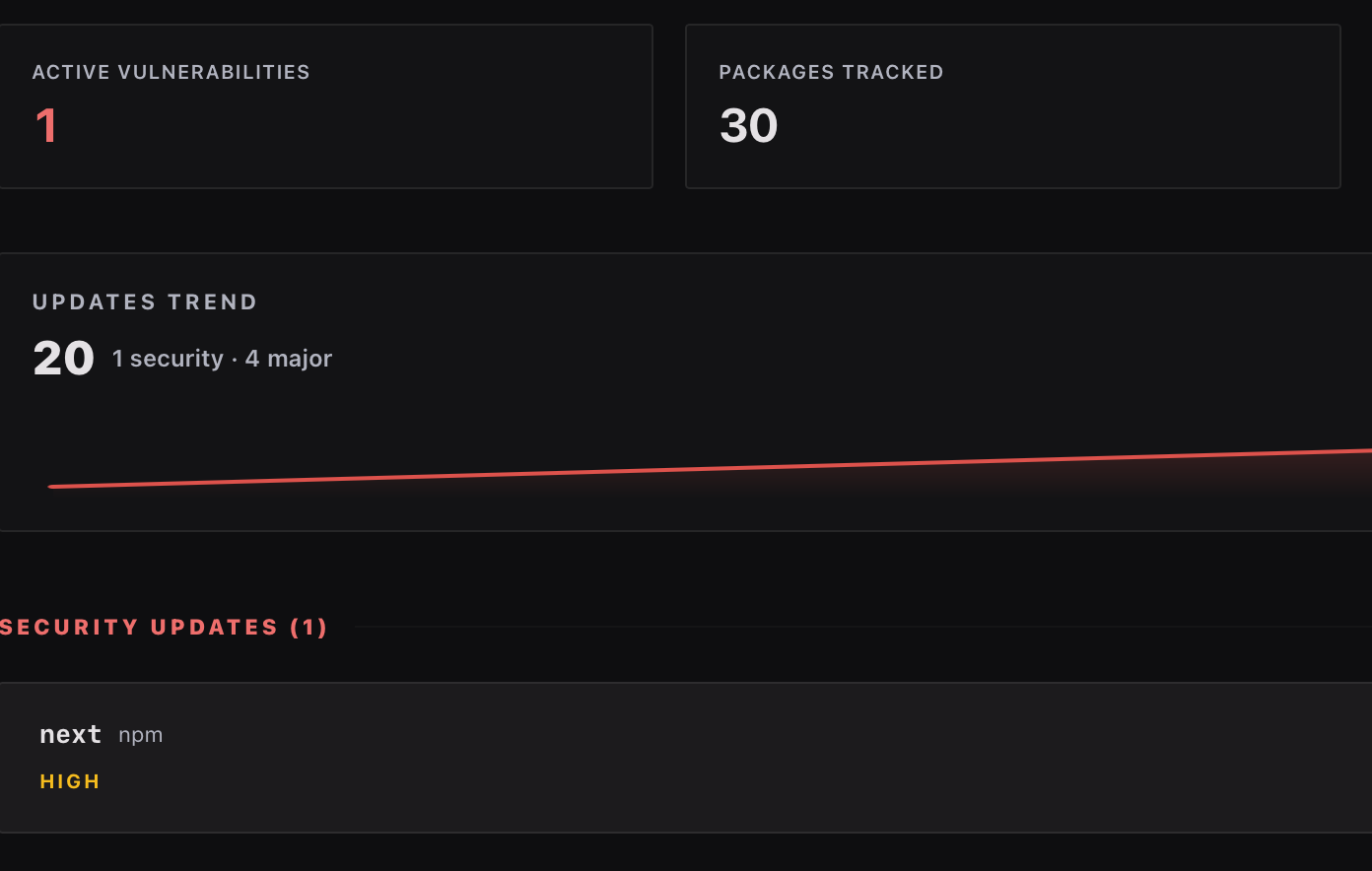
- Security updates first. Packages with known vulnerabilities get a banner above everything else. These are the ones that also raise alerts and can create issues.
- Everything else by size. Regular updates are grouped major → minor → patch, with filter pills to focus on one group. Majors are called out because they're the ones that can break you; patches are usually safe to batch.
- Stat cards summarizing how much of your dependency surface is behind.
- Per-package detail. Open any row for the package's dossier: current vs available version and what the update involves.
- Copy All Commands copies every upgrade command as text you can paste into a terminal or a ticket, or hand to your coding agent.
Pending updates badge the Updates entry in the sidebar, and the badge switches to its critical style when a security update is waiting, so you don't need the page open to know something needs attention.
Ecosystem coverage
The updates report covers the lockfiles the scan parses: npm, pip, composer, cargo, go, ruby, plus Drupal and WordPress projects. Registry lookups send package names and versions only, never your source. See Privacy & data.
Verifying an upgrade
After you apply an upgrade, refresh Updates again. The pending-verification section tracks packages until a new dependency report confirms the installed version. History records past refreshes. Run Code Scan and your project's tests separately to check the upgraded source and behavior.
How this relates to Issues
A vulnerable dependency is both an update (here) and a finding (on the Issues page, in the Dependencies category, where it affects your score). The Updates page is the maintenance view: everything upgradeable, not just the scored problems. Routine version drift stays out of your score; known vulnerabilities don't.