
Analytics: GA4 and Plausible
Connect Google Analytics 4 or Plausible to surface traffic data alongside your scan findings.
SiteCMD supports two analytics providers: Google Analytics 4 and Plausible. Connect either (or both, if you run both) to get traffic context in the Dashboard and to enable cross-source correlation when traffic moves after a deploy or a scan finding.
You don't need analytics connected to scan. You do need it for SiteCMD to tell you "your traffic dropped 20% the day this issue first appeared."
Google Analytics 4
GA4 connects via OAuth. You'll grant SiteCMD read-only access to your Analytics account, and SiteCMD will read sessions, pageviews, and traffic source breakdowns.
Setup
- Integrations → Google Analytics, click Connect.
- Your browser opens the Google sign-in flow. Pick the Google account that has access to the Analytics property you want to use.
- Approve the read-only scopes SiteCMD requests.
- Back in SiteCMD, pick the GA4 property for this project from the dropdown. Most accounts have multiple; choose the one matching the URL you're scanning.
- Click Save.
What it pulls
- 30-day session and pageview totals
- Top pages by traffic
- Top traffic sources
- Day-by-day series for spotting drops and spikes
GA4 data refreshes in the dashboard on demand and is correlated against scan history so a traffic regression is visually tied to whatever happened in your code or live site around the same time.
What SiteCMD does not access
The OAuth scopes are read-only and narrowly scoped to Analytics. SiteCMD can't read your Gmail, Drive, Calendar, or anything else attached to the Google account.
Disconnecting
Integrations → Google Analytics → Disconnect revokes SiteCMD's stored OAuth token and removes the integration from this project. You can also revoke access from Google's side at myaccount.google.com/permissions if you want a fully clean disconnect.
Plausible
Plausible connects via API key. SiteCMD talks to the hosted service at plausible.io; self-hosted Plausible instances aren't supported yet.
Setup
- In your Plausible dashboard, go to Account Settings → API Keys and create a new key. Name it something obvious like "SiteCMD".
- Copy the key.
- In SiteCMD, Integrations → Plausible, click Connect.
- Paste the API key.
- Enter your site ID (the domain you registered in Plausible, e.g.
example.com). - Click Save.
What it pulls
- 30-day aggregate visitor counts
- Top 5 pages by pageviews
- Top 5 traffic sources
- Day-by-day visitor series
Using both
You can connect GA4 and Plausible at the same time. The Traffic page prefers Plausible when both are connected, and falls back to GA4 (and to Cloudflare's traffic data, for the totals) for anything Plausible doesn't return. Correlation runs against both sources.
Where the data shows up
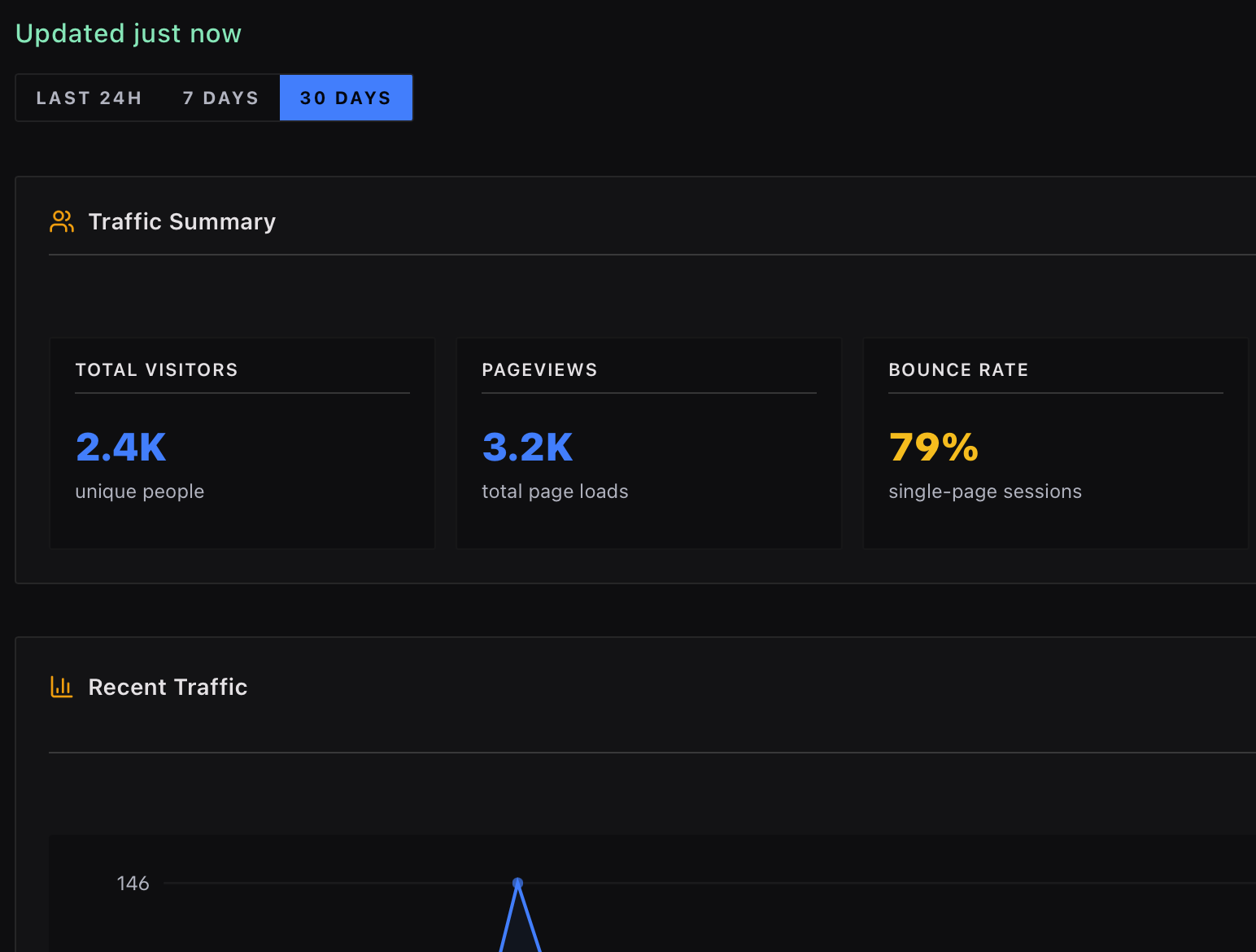
- Dashboard and Traffic view. Sessions, top pages, top sources, and a recent series chart.
- Events timeline. Traffic anomalies (significant spikes or drops) appear as events in the unified project timeline, alongside scans, deploys, and uptime incidents.
- Alerts and issue evidence. A traffic regression raises an alert, and when it correlates with a scan finding, that issue shows the traffic signal as attached evidence.
Privacy
Analytics requests go directly from your machine to Google or Plausible. They don't pass through SiteCMD servers. The data we cache locally is only what's needed for the dashboard cards and correlation; we don't mirror your full analytics history.
Both GA4 and Plausible return aggregate metrics, not individual user data. SiteCMD doesn't request individual user identifiers and doesn't need them for any of the correlation work.