Issues and updates
Open issue and pending update counts, split by severity and risk, one click from the full lists.

400+ deterministic checks across your code and your site, correlated with the third-party tools you already use. Seeing every signal together catches issues a single tool would miss, and regressions before your users notice.
Everything you need to keep your sites running smoothly: current health, what changed, and what needs fixing. Every tool you've connected feeds in right alongside it, so you can see the whole picture without bouncing between tabs.
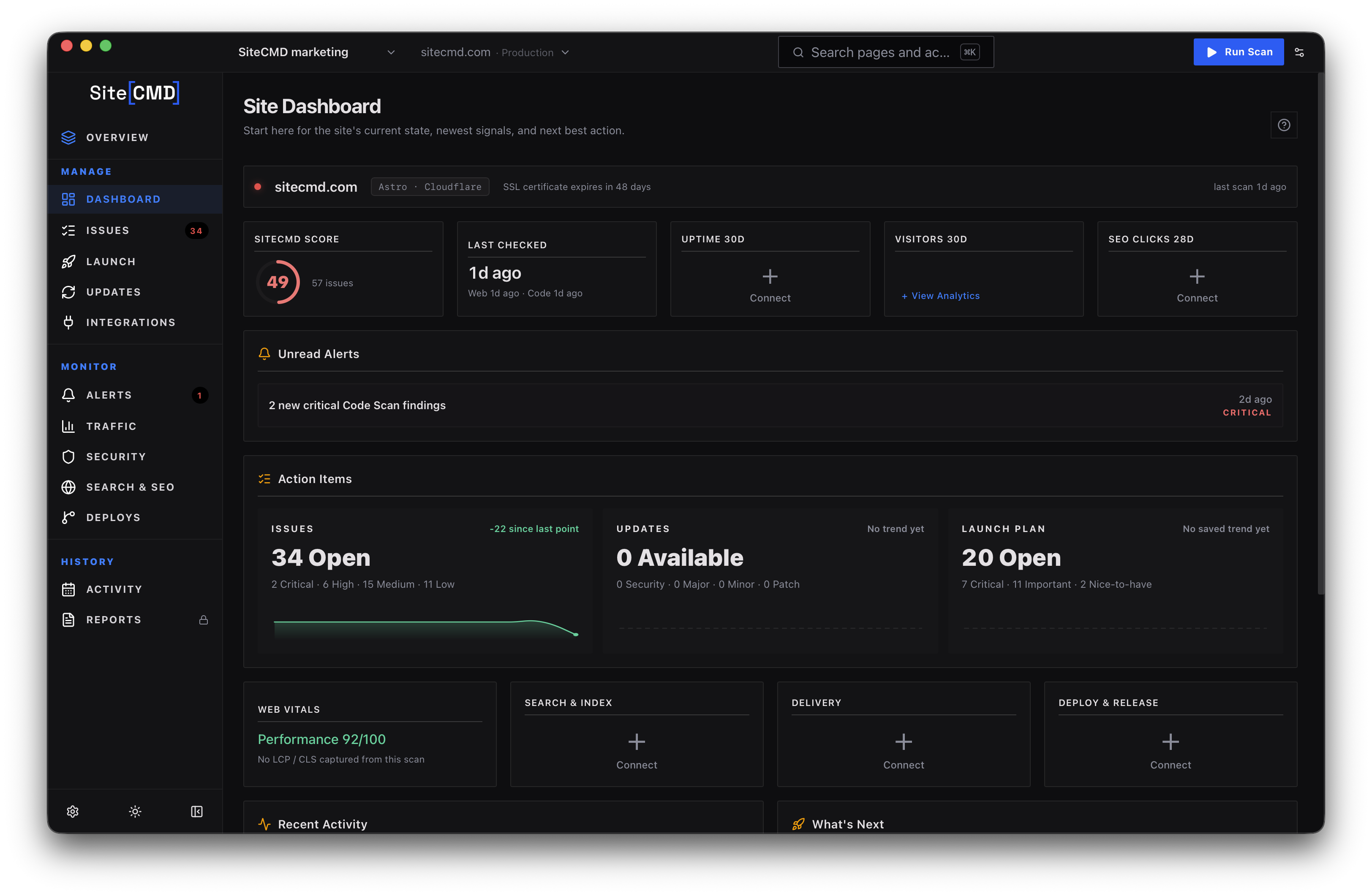
Open issue and pending update counts, split by severity and risk, one click from the full lists.
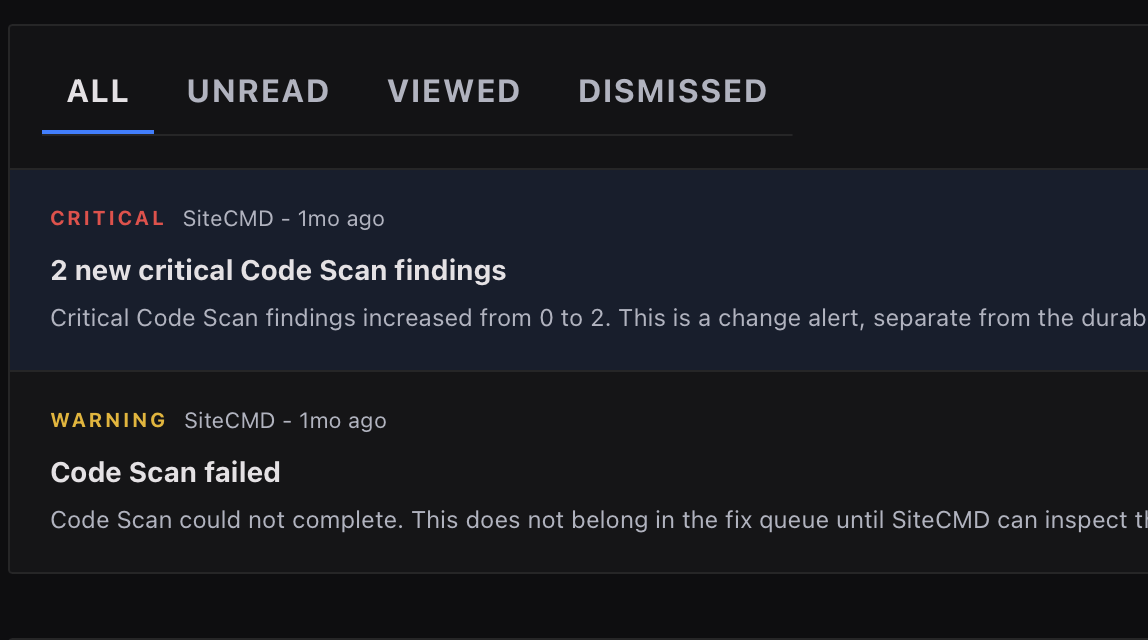
Background scans push notifications when something changes. Every alert opens into a full dossier.
The issue and update cards carry their own trend lines. See what's improved and what's slipped since your last scan.
The dashboard is the overview. These are the close-ups. Purpose-built views for traffic, search, deploys, and alerts, each with context that raw integration data can't give you on its own.
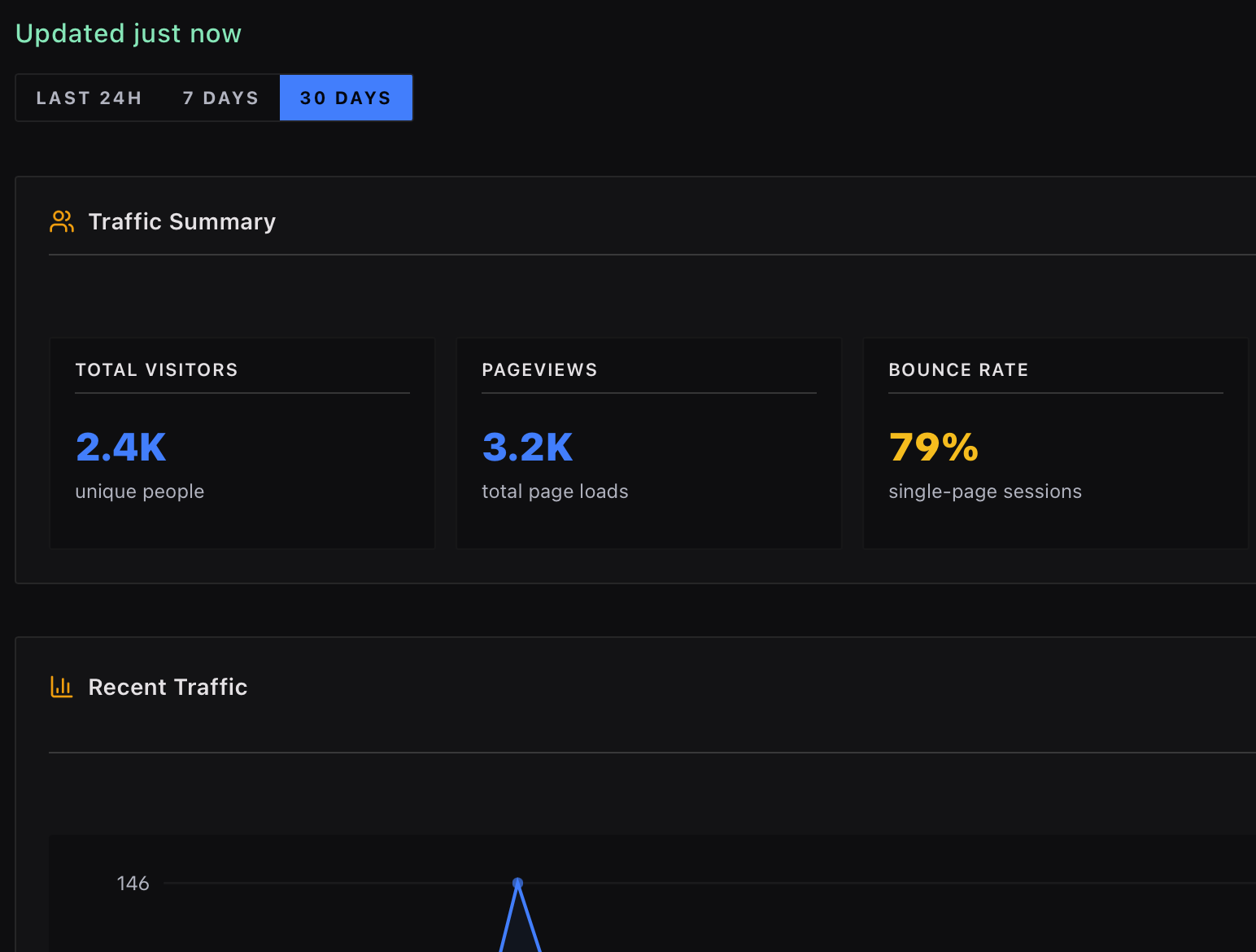
GA4, Plausible, uptime, and CDN data lined up next to your scan health, so you can see usage and stability together.
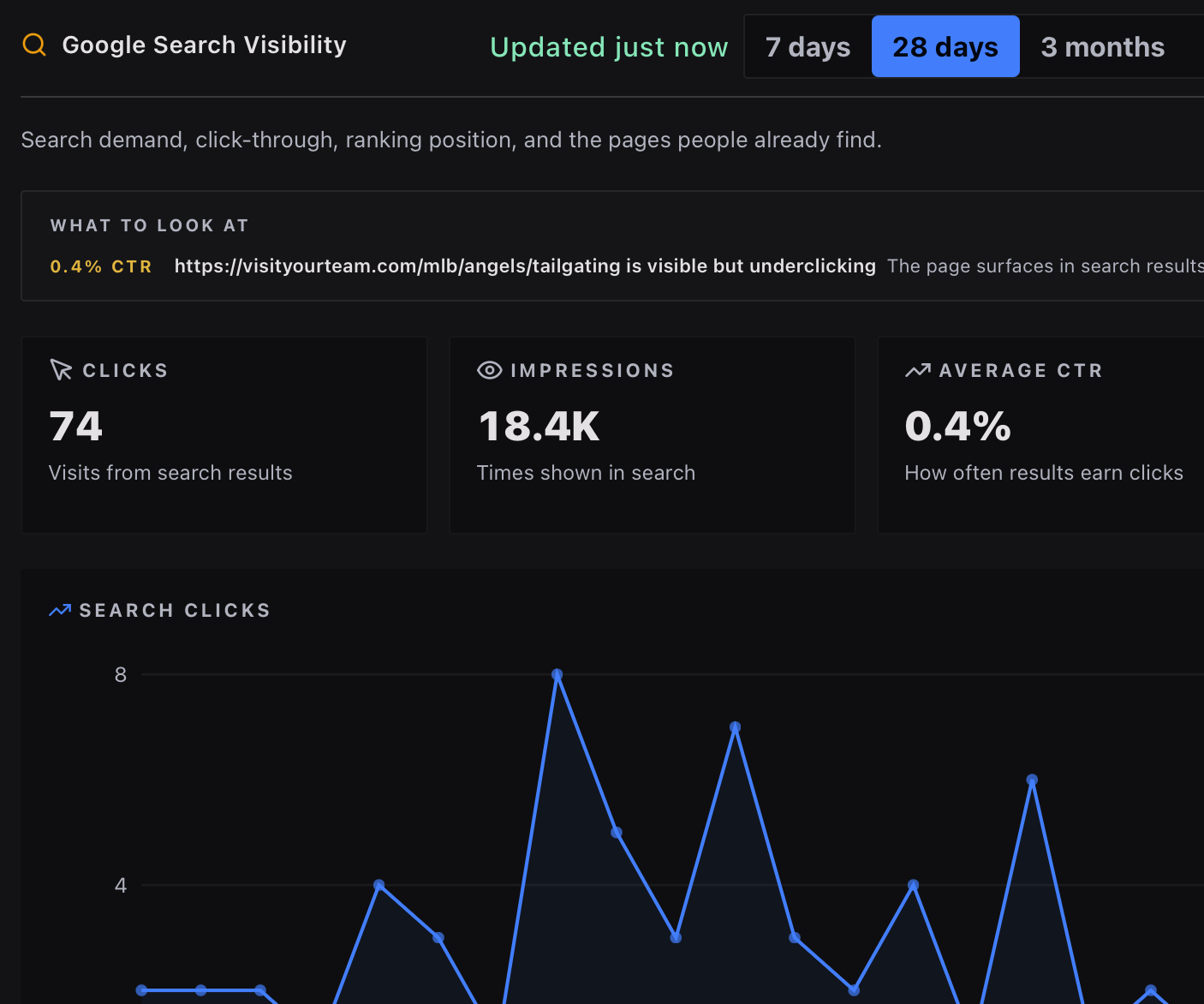
Clicks, impressions, and ranking shifts from Search Console and Bing, with alerts when any of them slip.
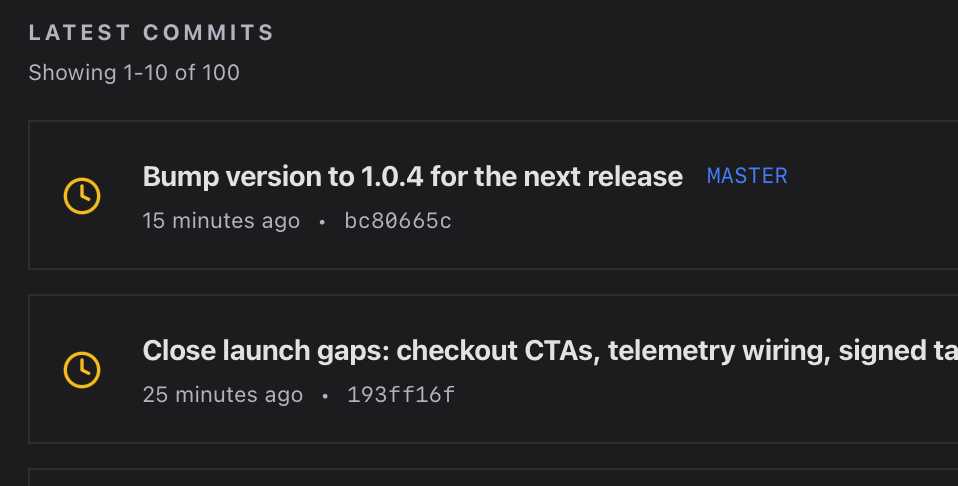
Recent GitHub Actions runs, success rates, and deploy-correlated regressions in one timeline.
Notifications when something breaks: downtime, blocked threat spikes, traffic anomalies, search drops, and CI failures across every connected source.
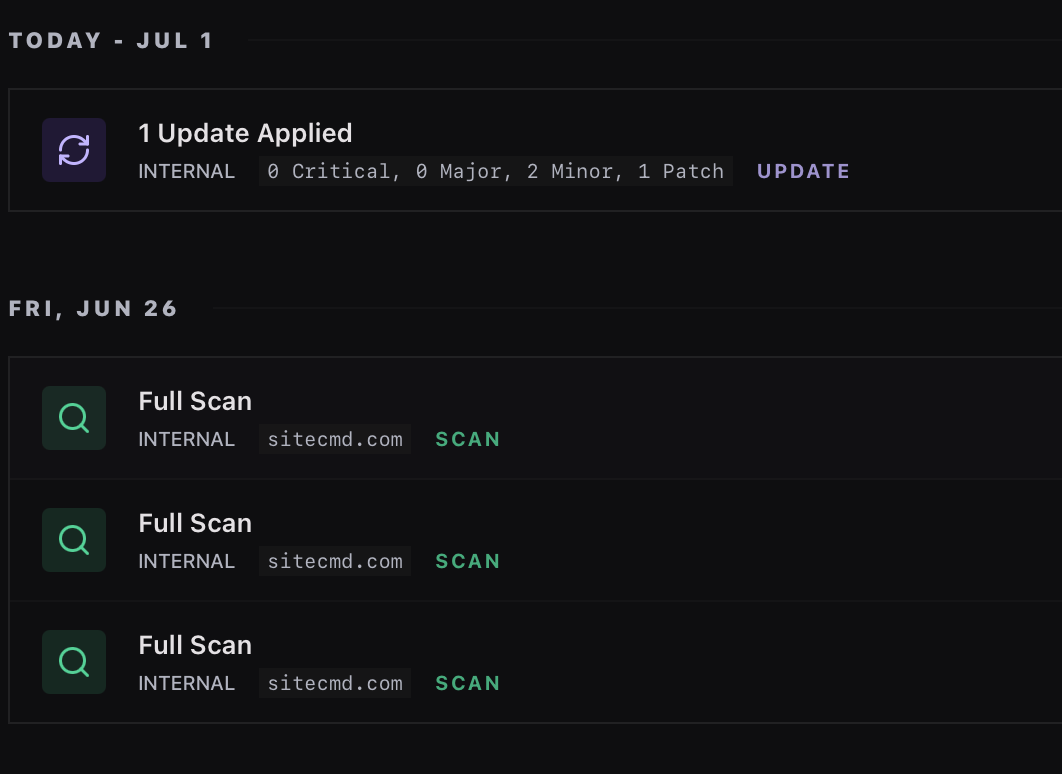
A unified feed of every scan, deploy, uptime incident, and anomaly across the project, day by day.
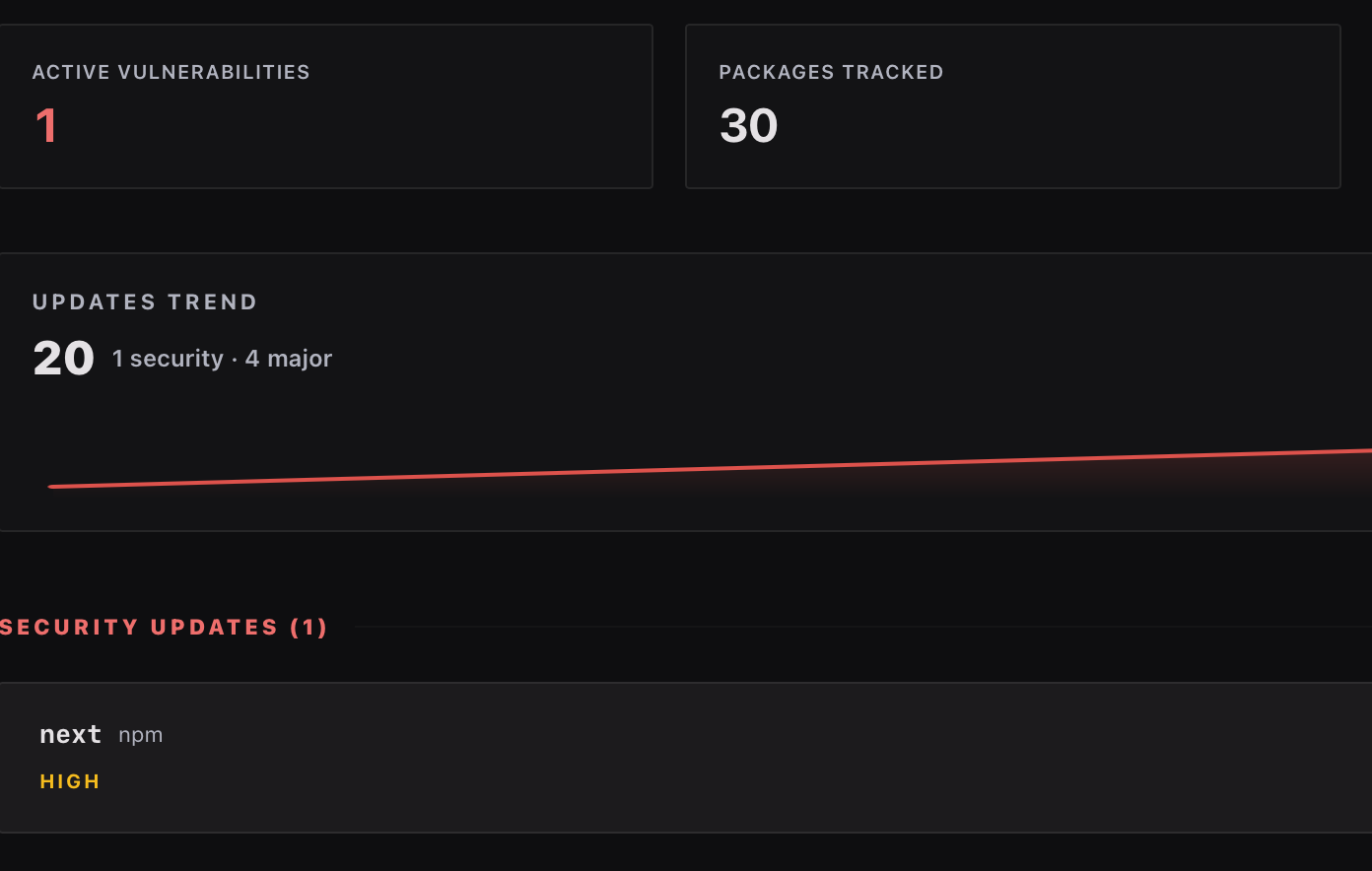
Pending dependency updates across npm, pip, composer, cargo, go, Ruby, WordPress, and Drupal. Severity, breaking-change risk, and post-fix verification tracked over time.
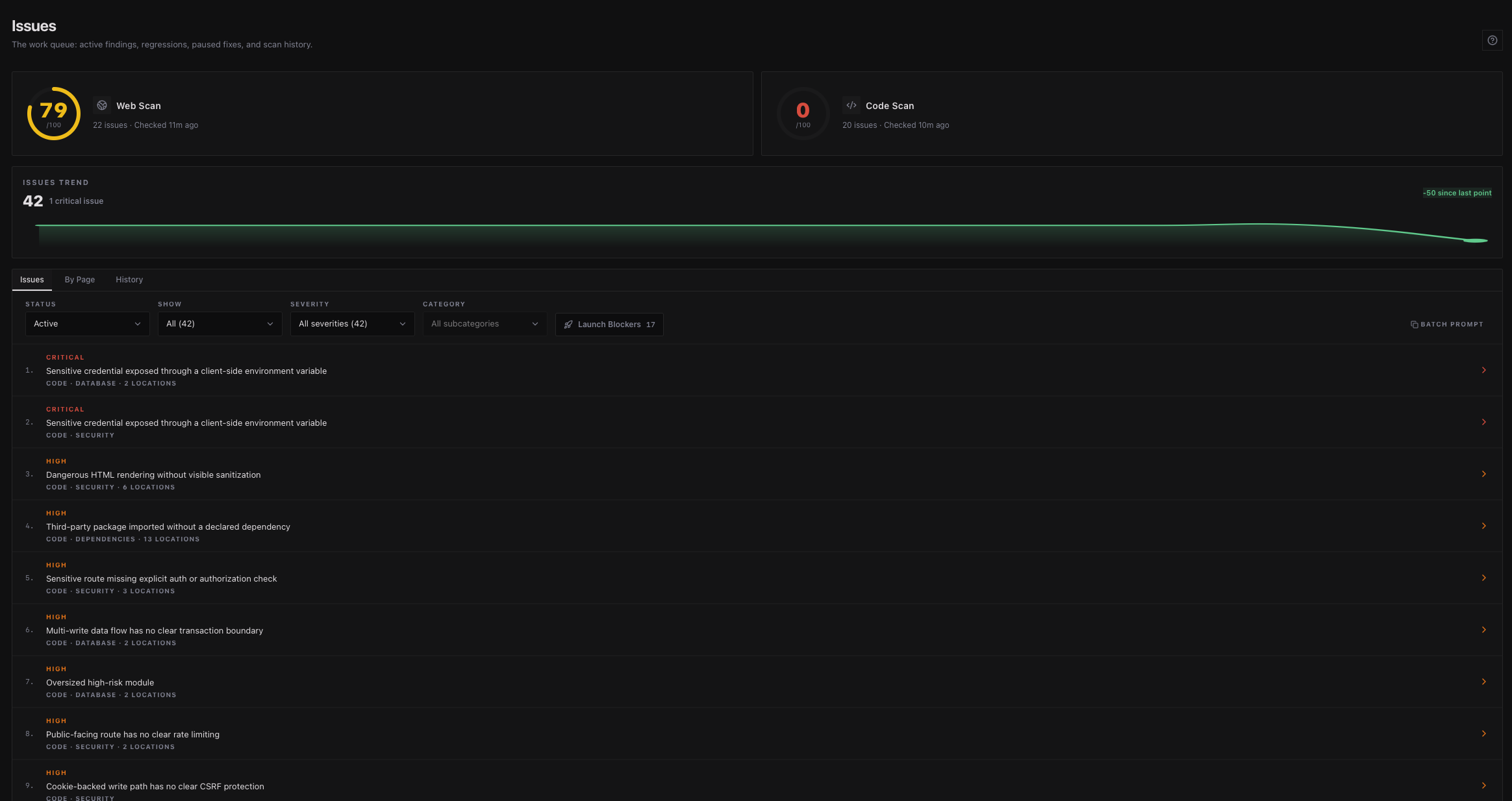
A scan is only useful if you act on it. SiteCMD pulls every finding into one list, each with a ready-to-send fix prompt, then keeps watching so the same problem doesn't ship twice.
Every issue from Web Scan, Code Scan, and your connected tools flows into a single ranked list. The worst problems at the top, minor stuff at the bottom. Sort, filter, or group by page to clean up one area at a time, and mirror the findings you commit to into GitHub Issues or Jira - SiteCMD resolves the ticket when the fix verifies on rescan.
Hand the fix prompt to Cursor, Claude Code, Windsurf, or any AI editor with MCP support. Or fix it yourself. SiteCMD verifies the issue is resolved on the next scan, tracks recurrence over time, and pings you when a future deploy quietly reintroduces it.

Scanning is just the start. SiteCMD keeps your scan history on your machine by default, diffs new scans against old ones, exports reports for stakeholders and pipelines, and rolls everything up across every site you manage.
Scans stored locally with their findings. Filter by severity or category to see exactly what changed and when.
Diff any two scans side by side. See which issues appeared, which got fixed, and which regressed between them.
Generate PDF reports for stakeholders or JSON exports for downstream pipelines. A custom builder shapes the report for client deliverables.
Manage every site you own from one workspace. The Sites overview rolls up health, open issues, and pending updates across the whole portfolio.
When traffic drops or rankings slip, the symptom shows up in one tool and the cause hides in another. SiteCMD pulls signals from the services you already use and correlates them against its own scan findings, so symptom and cause sit side by side.

Deploy history, CI status, and PR context.

Edge cache, threat events, and bandwidth.

Privacy-first traffic and top pages.

GA4 sessions and source breakdown.

Clicks, impressions, and ranking shifts.

The same search signals from Bing's index.

Lighthouse lab metrics and real-user CrUX data.

Availability and incident history.

Findings mirrored as tickets, auto-resolved on rescan.
The desktop app is the primary command center, its bundled MCP server is available to your AI editor today, and the standalone CLI brings the same scan engine to your terminal, git hooks, and CI pipelines.
For Cursor, Claude Code, Codex, and any other MCP-compatible editor.
Built-in MCP server exposes scan results, issue data, and fix prompts to AI coding agents. Your editor stops guessing because it can actually read what's broken and where. The fix it writes is grounded in real findings, not vibes.
For your terminal and your CI
A standalone binary for Linux, macOS, and Windows: run scans from a terminal, gate deploys on a score threshold in GitHub Actions, and catch regressions in a pre-push hook. One command installs it - see the CLI reference in the docs.
SiteCMD does not upload your source code. Desktop scans stay on your machine until you connect a site, while CLI audits stay on the machine or CI runner that starts them. Desktop integration credentials remain in your OS keychain and go only to the service they belong to. Connected deployment-provider credentials are stored encrypted only when you authorize that integration.
Tauri-based, runs natively on macOS, Windows, and Linux. Tiny binary, no Electron weight.
Desktop integration API keys and OAuth tokens live in your system keychain, encrypted by your OS. They're never stored in the local database file.
Scan history, code findings, dossiers, and pulled-in integration data live in a SQLite file on your machine. Back it up like any other file.
Usage analytics and crash reports are off by default and run only if you opt in. Fixed product destinations and dynamic classes such as scan targets and connected integrations are documented separately, including what each request can carry.