
Make sure search engines can read your sitemap
A sitemap gives search engines a list of URLs you want them to discover. A broken file can leave that list unreadable.
Follow the sitemap format and size limits
An XML sitemap uses a urlset with the sitemap namespace and a loc for each URL. Use complete URLs and escape XML characters, including ampersands in query strings.
A sitemap may contain up to 50,000 URLs or 50 MB uncompressed. Split a larger list into files and use a sitemap index. Google's sitemap guide covers the supported formats.
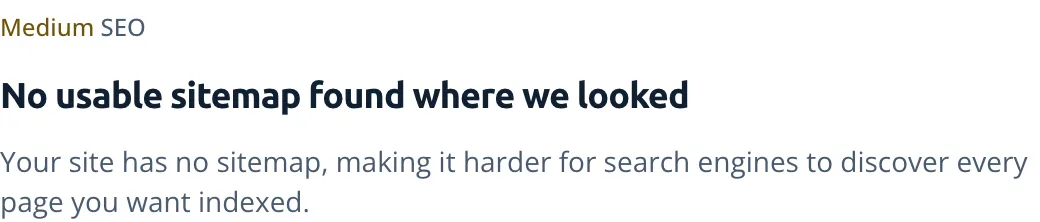
Keep sitemap lastmod dates tied to real changes
Set lastmod when the page's significant content changes. Rebuilding a sitemap isn't a reason to give every page a new modification date.
How do I fix sitemap could not be read or sitemap couldn't fetch errors?
- 1
Read the sitemap fetch error details
Open the sitemap's details in Search Console and expand the error. Couldn't fetch means Google couldn't retrieve the file. Google lists these causes: a robots.txt block, a wrong address that returns 404, a server error, a manual action and low crawl demand.
- 2
Correct the sitemap problem before resubmitting
Fix the access or file-format issue the error details describe, then resubmit the sitemap in the report. Work from those details rather than changing unrelated page tags.
Frequently asked questions
Does a valid sitemap mean Google will index every URL?
No. A sitemap helps discovery; Google still decides what to crawl and index. Google's sitemap overview explains that limit.
Trace sitemap problems through crawl rules and indexing
SEO
Find what's keeping your pages out of search results.
robots.txt
Read crawler rules without mistaking a crawl block for removal from search.
Indexability
Find the noindex tags and other blocks that stop a page from being indexed.
Crawled or discovered, currently not indexed
Understand Search Console's not-indexed statuses after checking for technical blocks.