
Find out whether your page can be indexed
A page can look ready to publish while still telling search engines to leave it out. An indexability check helps you spot that conflict.
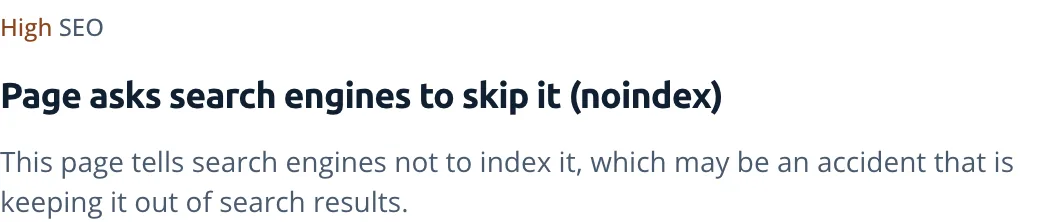
Find an excluded by noindex tag warning
Look for noindex in a robots meta tag or the X-Robots-Tag response header. Remove the instruction only when the page belongs in search; private or deliberately excluded pages may need to keep it.
Google must be allowed to fetch the page to read that instruction. Google's noindex guide explains the interaction with robots.txt.
Check other reasons for a page not indexed
Can search engines reach the page?
Review crawl permissions and the response status. A successful response alone doesn't mean Google will index the content.
Does the canonical tag point to another page?
A canonical tag names the preferred version among similar pages. If the wrong address appears in search, check the destination the tag names.
Frequently asked questions
Why is my page still in Google after adding noindex?
Google has to crawl the page again to see the rule, and for some pages that can take months. You can ask Google to recrawl it with URL Inspection.
Why is Google not indexing my site?
SEO
Find what's keeping your pages out of search results.
Crawled or discovered, currently not indexed
Understand Search Console's not-indexed statuses after checking for technical blocks.
robots.txt
Read crawler rules without mistaking a crawl block for removal from search.
Canonical tags
Resolve conflicting preferred URLs and understand Google's canonical-page statuses.
Why Google isn't indexing your page
A developer's checklist for tracing an indexing problem through HTTP status, robots rules, canonicals, rendering, internal links, sitemaps, and Search Console.